.png?fit=max&auto=format&n=VrRd9ylcA_lbpmt6&q=85&s=4eb75c6784eda09d9cdee2d5224ca0e8)

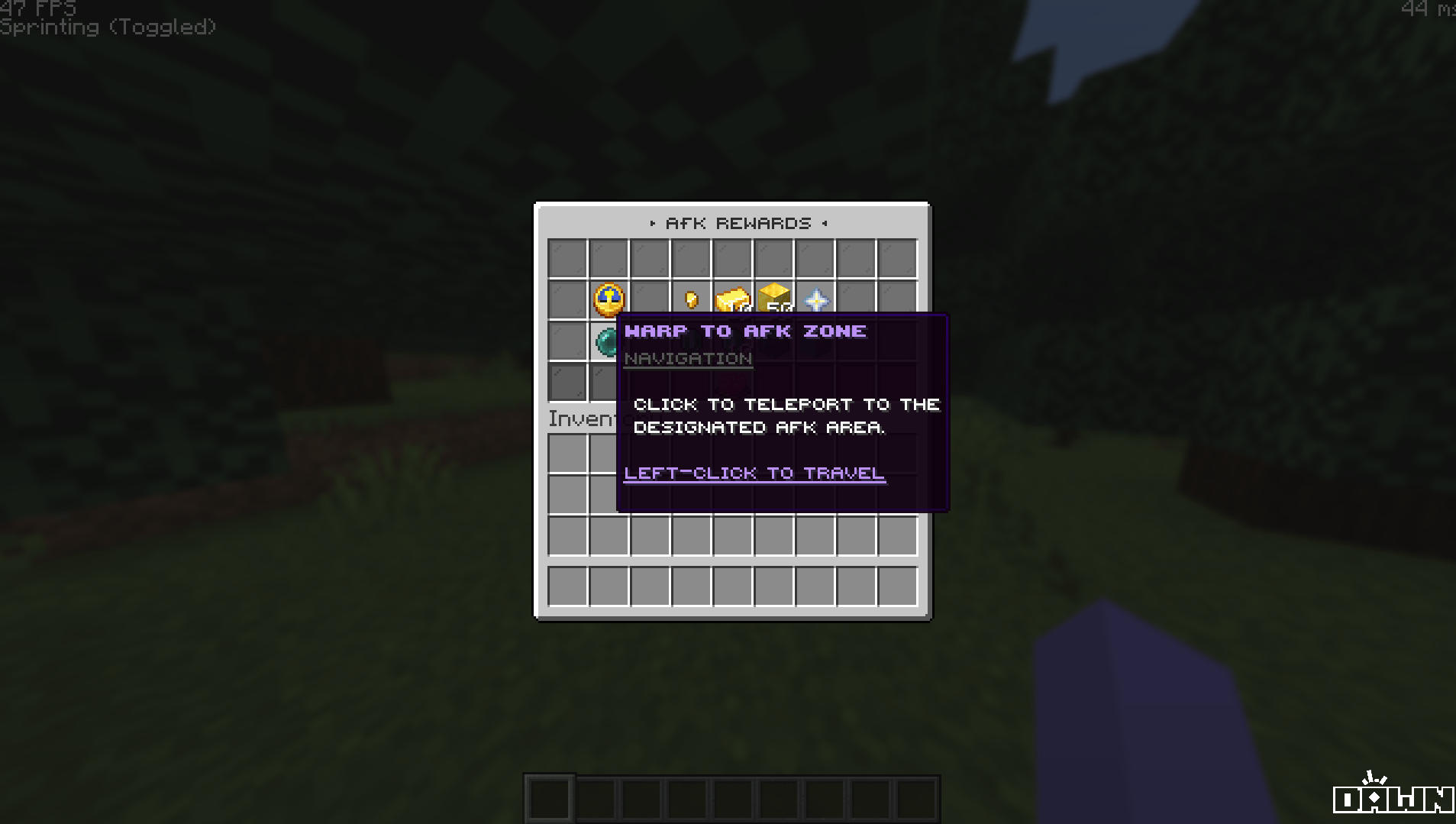
Key Features
The AFK GUI connects directly to ExcellentEconomy and EssentialsX to provide a seamless reward experience.Integrated Point Exchange
Allows players to exchange their AFK points for either standard server money (Vault/Essentials) or premium Coins (ExcellentEconomy).
Smart Transaction Checks
Utilizes javascript expressions to ensure players actually have enough points before purchasing, preventing negative balances.
Instant Feedback
Clicking a reward plays a level-up sound and outputs a sleek, color-coded success message directly into the player’s chat.
Warp Integration
Includes a dedicated button to instantly teleport players directly to the server’s AFK zone.
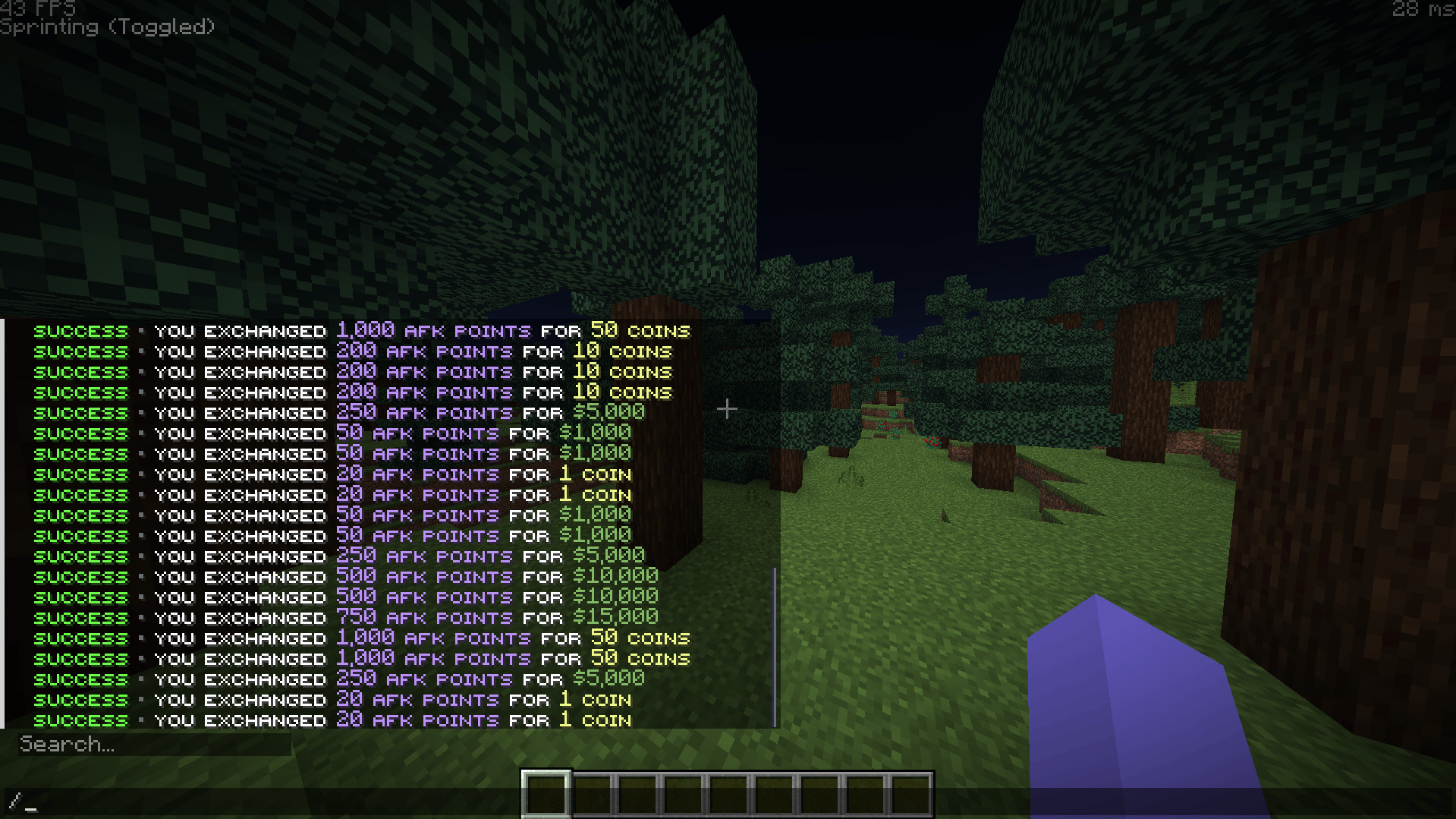
Available Exchanges
By default, the GUI comes pre-configured with two rows of rewards using the ExcellentEconomy currencies provided in the package.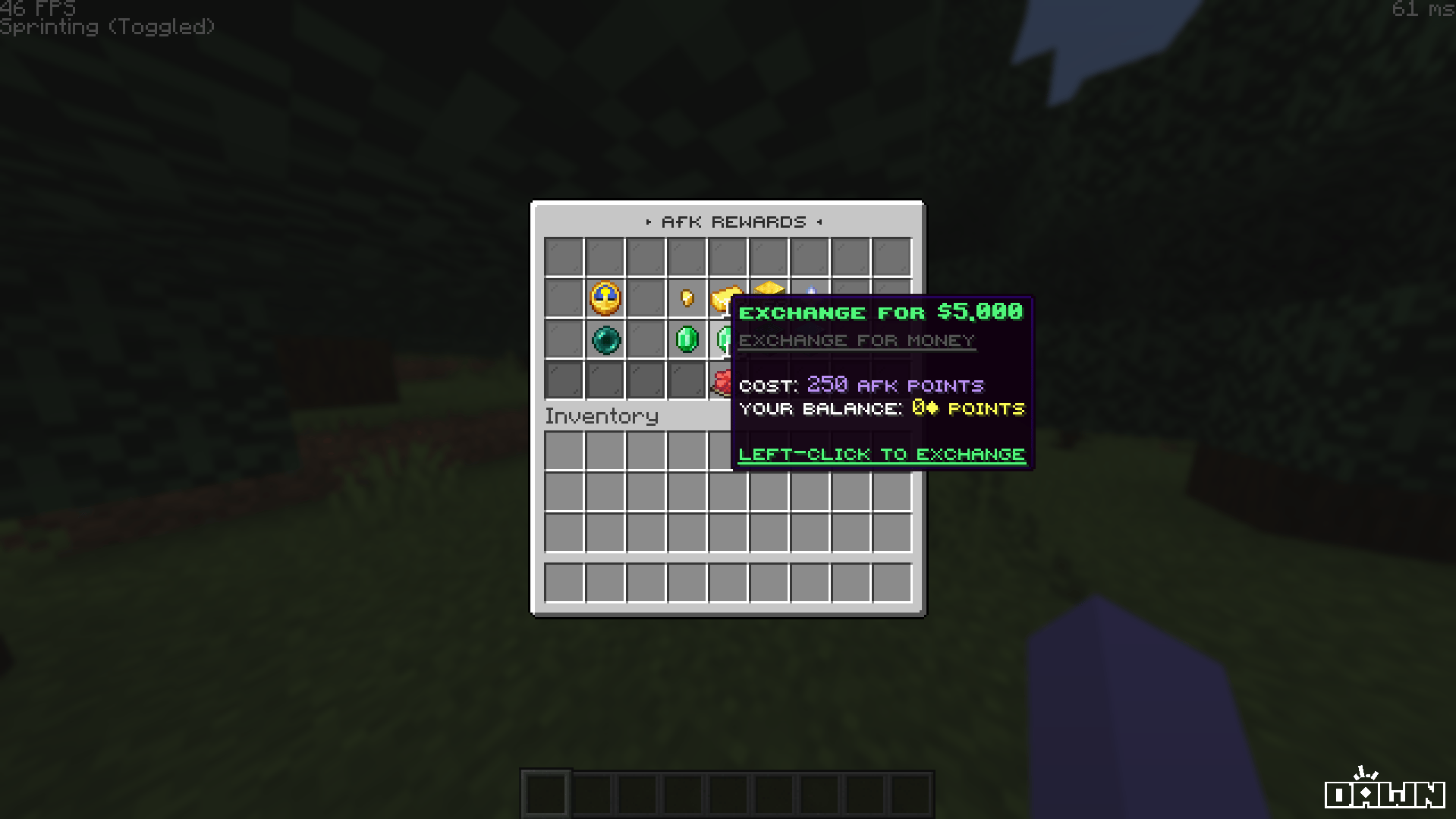
Premium Coins
Cost: 20 AFK Points = 1 CoinIncludes exchange buttons for 1, 10, and 50 Coins.
Standard Money
Cost: 5 AFK Points = $100Includes exchange buttons for $100, $500, and $1,000.
Commands & Permissions
By default, the main GUI is bound to two easy-to-remember aliases.The menu requires the permission node
deluxemenus.menu.afk to open. By default, most permission managers grant access to DeluxeMenus to default players, but if your players get a “no permission” error, ensure they have this node!Installation Guide
Before installing, ensure you have the required dependencies: DeluxeMenus, ExcellentEconomy, NightCore, EssentialsX, and PlaceholderAPI.1
Download Placeholder Expansions
This menu uses PlaceholderAPI for console commands. You must install the required expansions.Run the following commands in your server console (or in-game as an OP):
2
Merge ExcellentEconomy Files
Instead, open the
ExcellentEconomy folder from our package, and manually merge the contents of our currencies and lang folders into your server’s plugins/ExcellentEconomy/ directory.3
Install the Menu Configuration
Drag and drop the
afk.yml file into your server’s plugins/DeluxeMenus/gui_menus/other_menus/ folder.4
Register in DeluxeMenus
Open your DeluxeMenus
config.yml file and register the menu under the gui_menus: section:config.yml
5
Set Your AFK Warp
Make sure you have created an Essentials warp named
afk by running /setwarp afk where you want your AFK zone to be.6
Reload Plugins
Finally, reload both DeluxeMenus and ExcellentEconomy to apply the new configurations:
Troubleshooting
Players receive an error when buying rewards
Players receive an error when buying rewards
Ensure EssentialsX is installed so players can receive standard money, and ensure ExcellentEconomy is running properly with the
afkpoints and coins currencies registered.