.png?fit=max&auto=format&n=VrRd9ylcA_lbpmt6&q=85&s=4eb75c6784eda09d9cdee2d5224ca0e8)

Player Commands
Command
Opens the main interactive SentrySettings GUI where players can configure personal preferences, toggle visual alerts, and activate client-side optimizers.
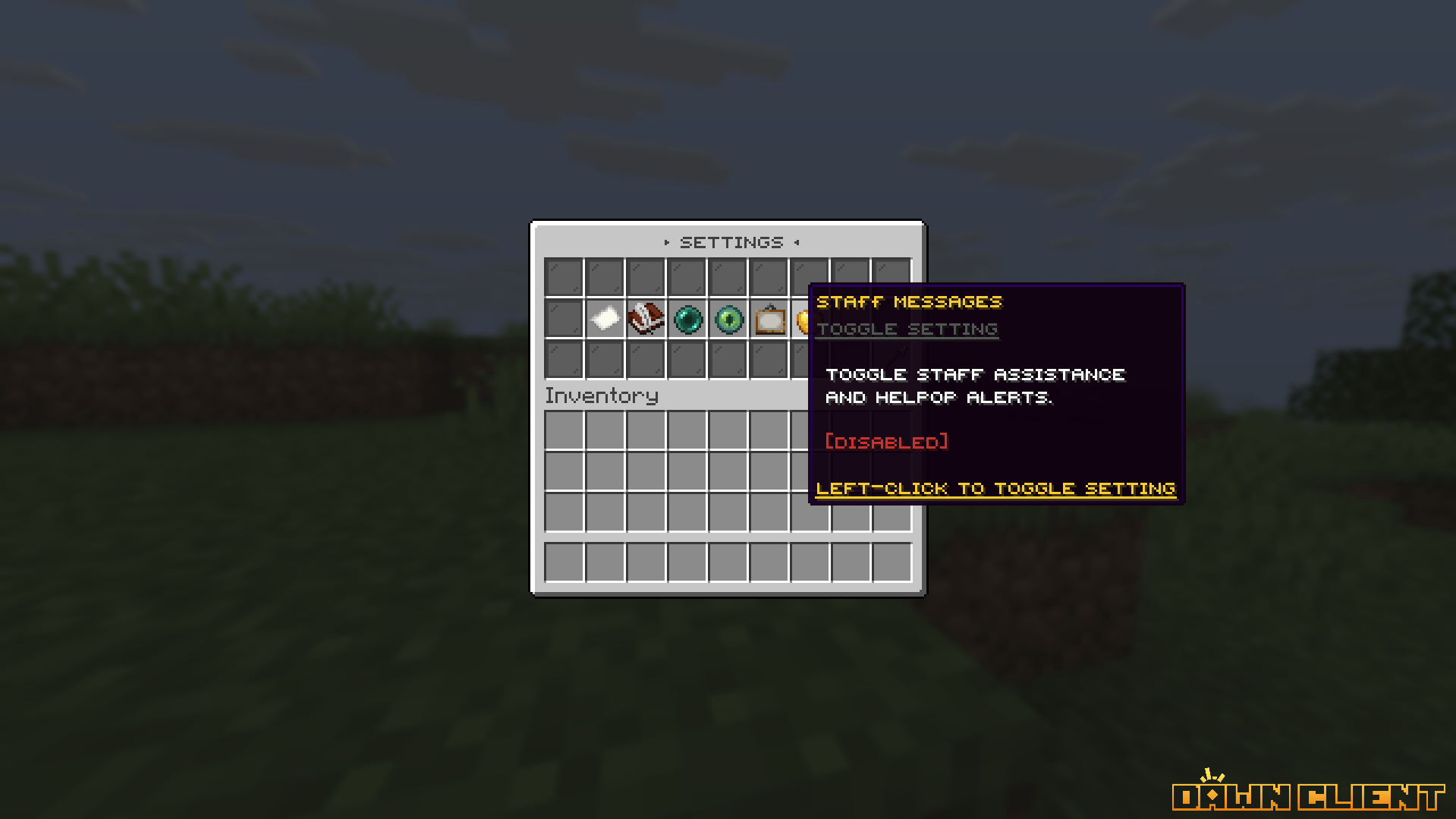
Interactive SentrySettings Main Menu
Administrator Commands
All administrative subcommands require thesettings.admin permission:
/settings reload
Reloads
config.yml, messages.yml, and menu/gui.yml from disk, applying visual updates immediately. (Alias: /sentrysettings reload)/settings wipe <player>
Resets all saved preferences for the specified player back to default server states in the database.
/settings docs
Prints interactive chat links to the official documentation and verifies your active Sentry license key.
/settings help
Displays a formatted in-game help menu listing all available subcommands and active syntax.
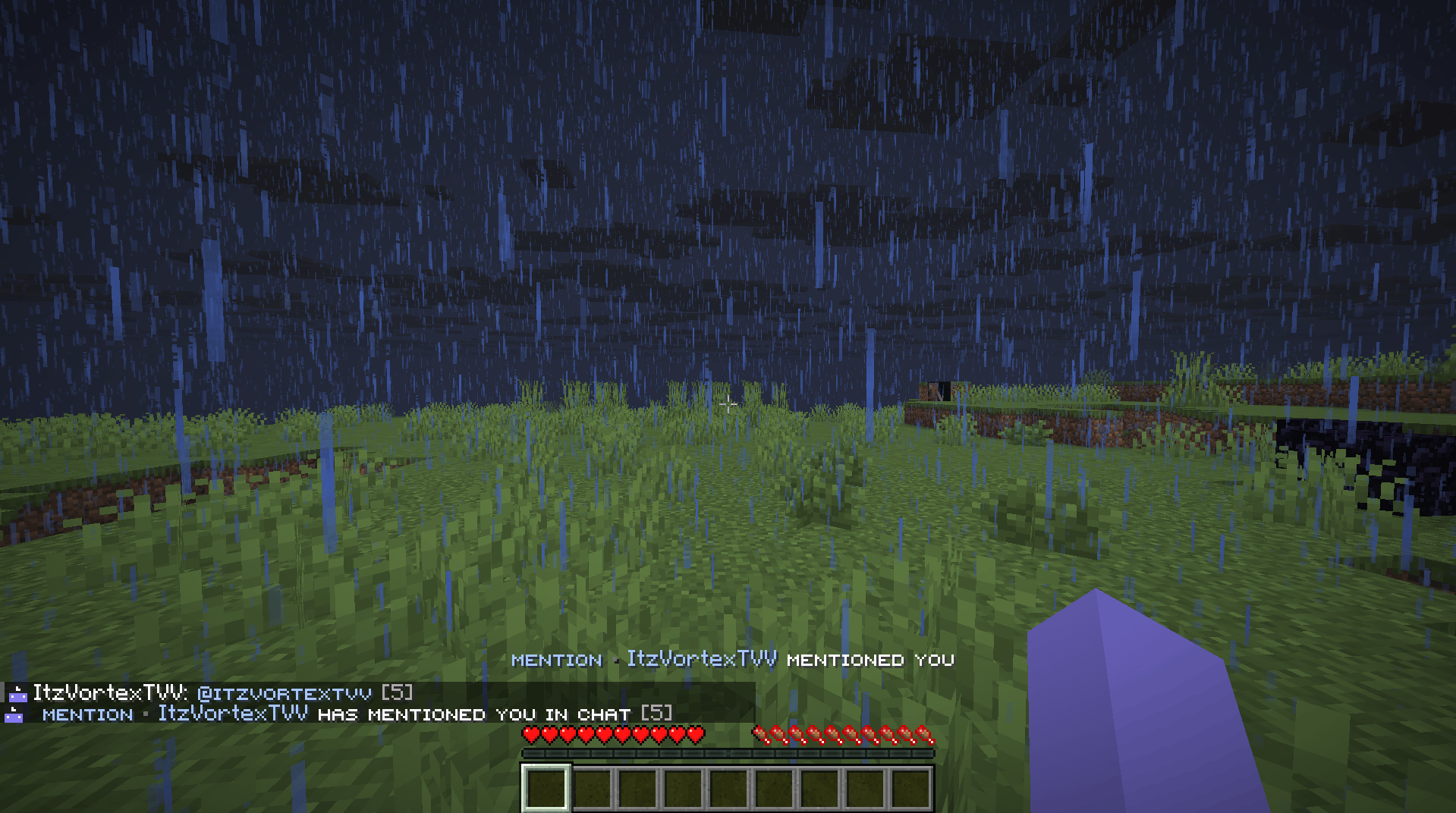
Interactive Setting Toggle Feedback & In-Game Toast