.png?fit=max&auto=format&n=VrRd9ylcA_lbpmt6&q=85&s=4eb75c6784eda09d9cdee2d5224ca0e8)

Primary Administrator Commands
All SentryLore administration commands branch off the primary/sentrylore command (Aliases: /slore, /lore).
/lore save <id>
Saves the custom item currently held in your main hand directly into the persistent database registry under the specified
<id>./lore give <player> <id> [amount]
Spawns a custom item from the registry and gives it to the player. Automatically assigns a unique NBT UUID to activate Dupe Protection.
/lore edit
Opens the interactive Lore Editor GUI for the held item, allowing you to modify its stats, rarity, and description visually.
/lore registry
Opens the Registry GUI, allowing you to browse, manage, inspect, and delete all custom items currently saved in your database.
/lore restore <id>
Restores or re-applies the original registered template formatting to an altered custom item.
/lore backup create [name]
Creates a full backup snapshot of the SentryLore database registry and active configuration files.
/lore backup restore <file>
Restores the SentryLore item registry from a previous backup snapshot file.
/lore settings
Opens the Settings GUI, allowing administrators to toggle core plugin features without editing
config.yml./lore wipe
Opens the Confirm Wipe GUI. Used with extreme caution to purge registered items or reset database tables.
/lore reload
Reloads
config.yml, messages.yml, and menu/gui.yml from disk, applying visual changes immediately without server restarts./lore docs
Displays a clickable link in chat to the official documentation and your unique Sentry Studios license status.
Administrative Interfaces
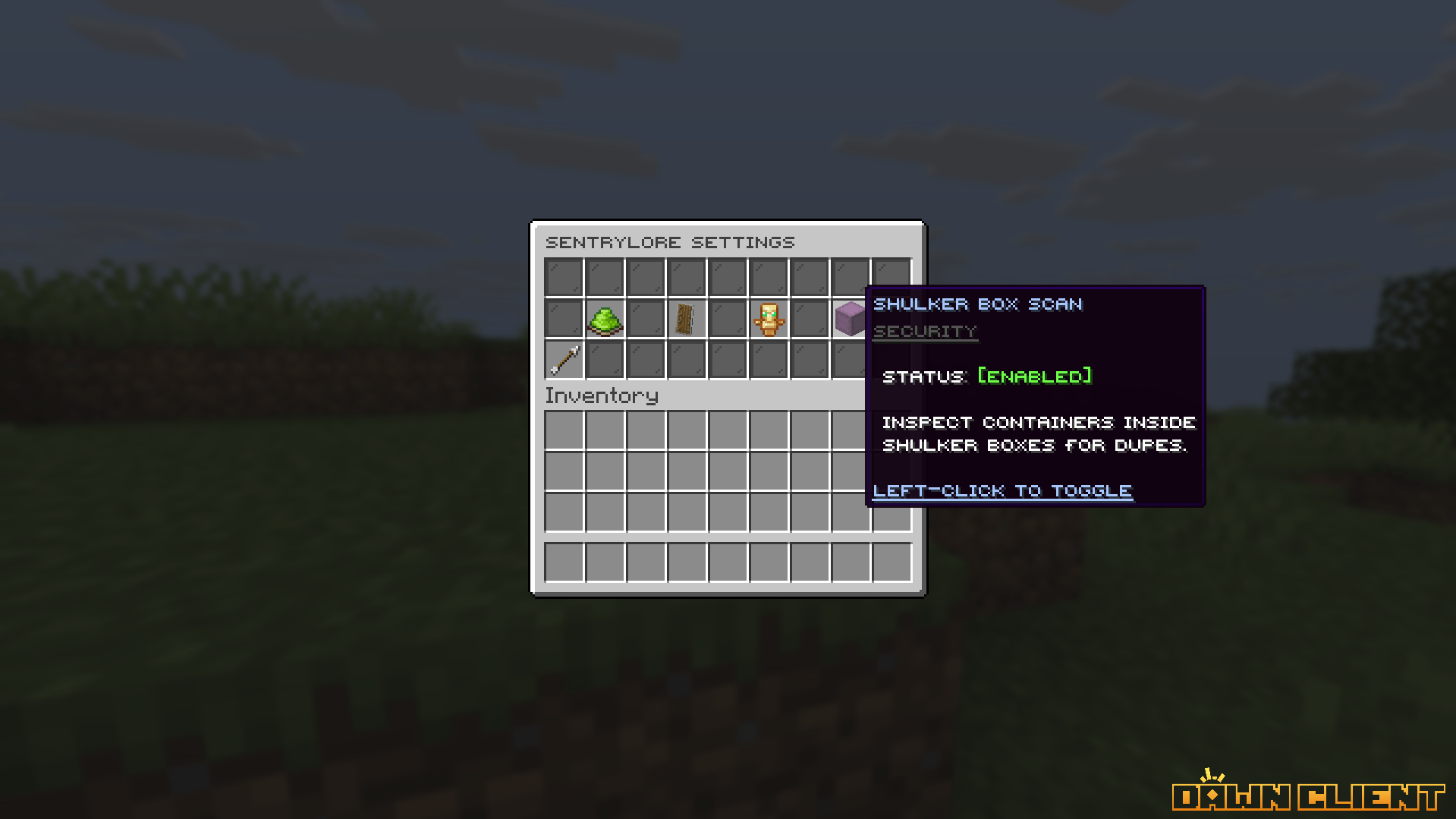
/lore settings — In-Game Feature Controls
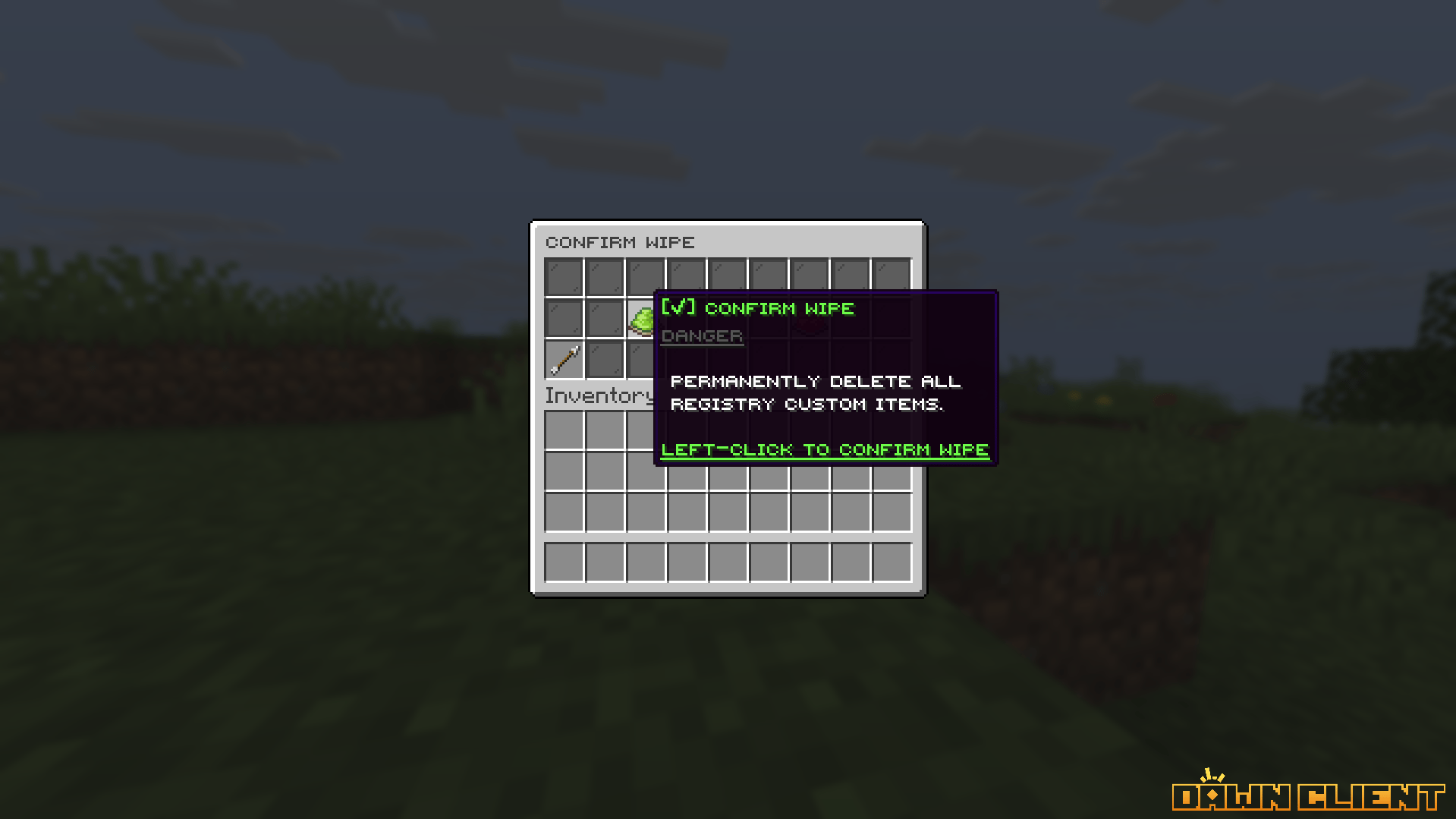
/lore wipe — Safe Registry Purge Confirmation