> ## Documentation Index
> Fetch the complete documentation index at: https://docs.sentrystudios.org/llms.txt
> Use this file to discover all available pages before exploring further.
# Stats GUI
> A high-quality, clean, and powerful statistics menu for your server.
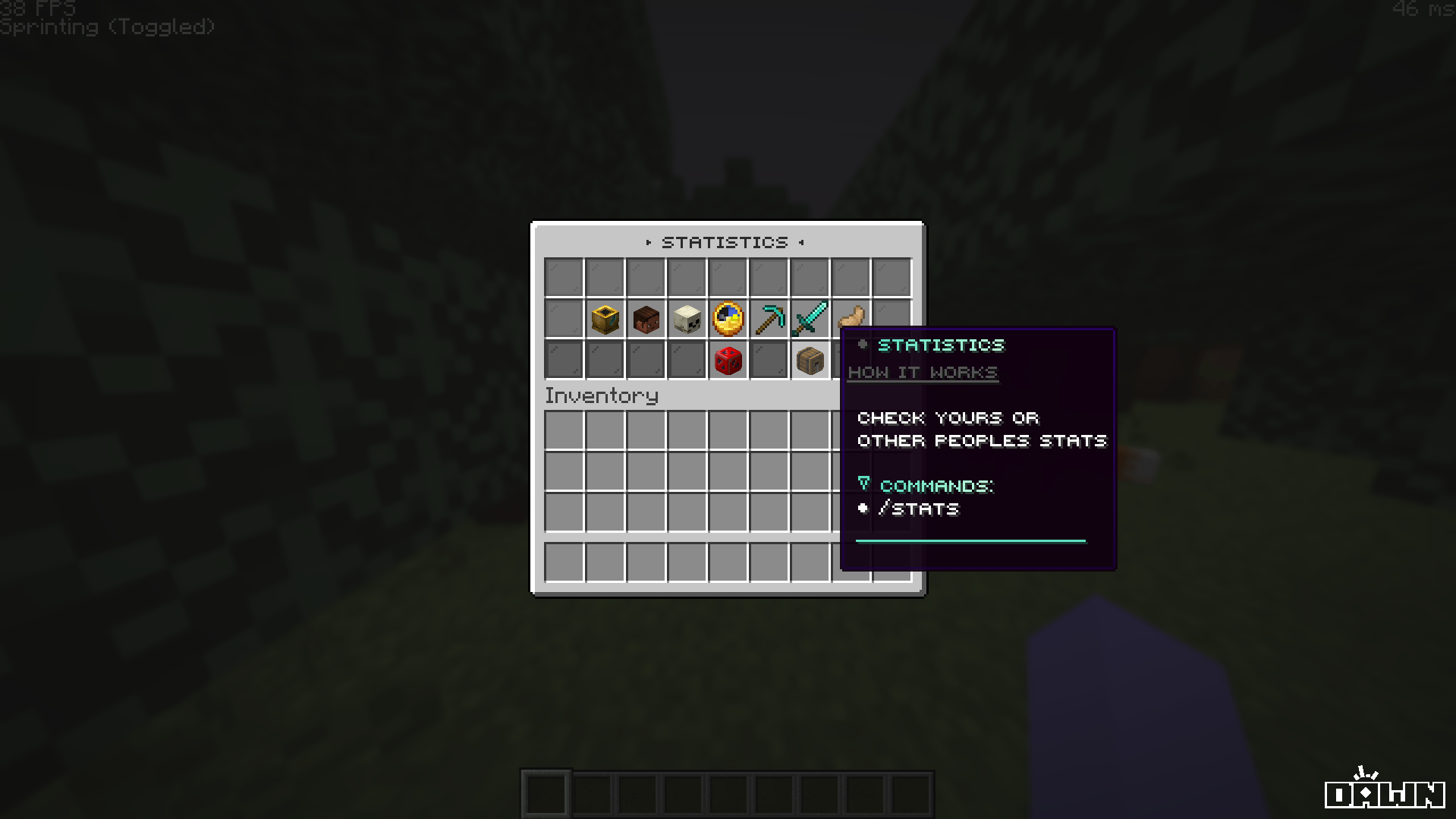
Thank you for choosing the **Sentry Studios DeluxeMenus Stats GUI**. This configuration provides a comprehensive, interactive, and beautifully designed statistics menu for your server.
 ***
## Key Features
The Stats GUI is engineered not just for utility, but for a premium user experience.
The entire menu is fully stylized with modern small-caps text, custom hex color gradients, and sleek glass pane background borders.
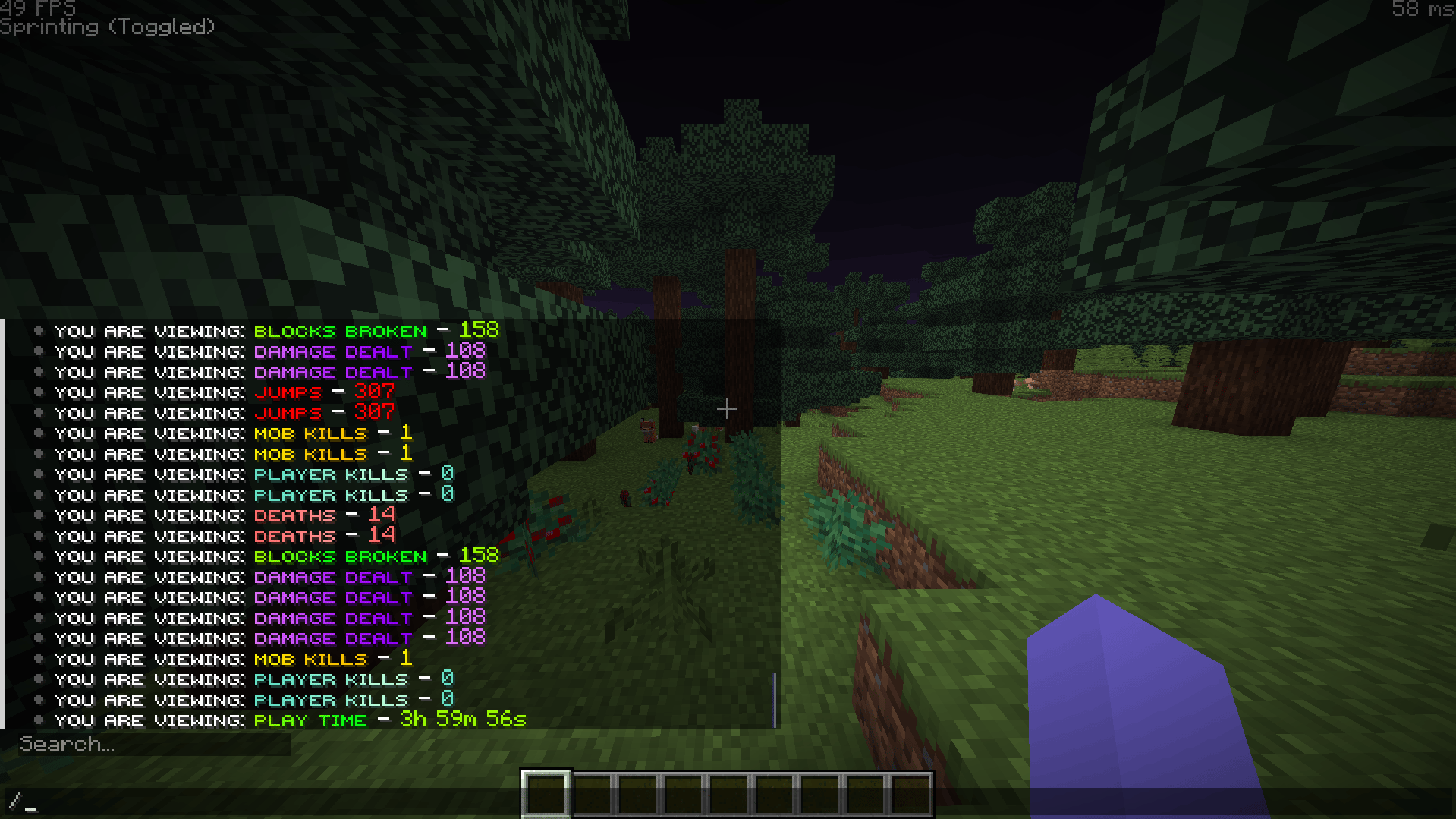
Left-clicking any statistic plays a clean `UI_BUTTON_CLICK` sound and outputs that specific statistic directly into the player's chat.
Built-in support for viewing other players' statistics via the seamlessly integrated `stats_others.yml` layout.
Utilizes Base64 custom player heads for specific icons (like player kills, mob kills, and deaths) to make the UI pop without needing texture packs.
***
## Key Features
The Stats GUI is engineered not just for utility, but for a premium user experience.
The entire menu is fully stylized with modern small-caps text, custom hex color gradients, and sleek glass pane background borders.
Left-clicking any statistic plays a clean `UI_BUTTON_CLICK` sound and outputs that specific statistic directly into the player's chat.
Built-in support for viewing other players' statistics via the seamlessly integrated `stats_others.yml` layout.
Utilizes Base64 custom player heads for specific icons (like player kills, mob kills, and deaths) to make the UI pop without needing texture packs.
 ***
## Tracked Statistics
Out of the box, the Stats GUI tracks and displays 7 essential player data points. Here is a breakdown of what is tracked and the internal PlaceholderAPI variables powering them:
***
## Tracked Statistics
Out of the box, the Stats GUI tracks and displays 7 essential player data points. Here is a breakdown of what is tracked and the internal PlaceholderAPI variables powering them:
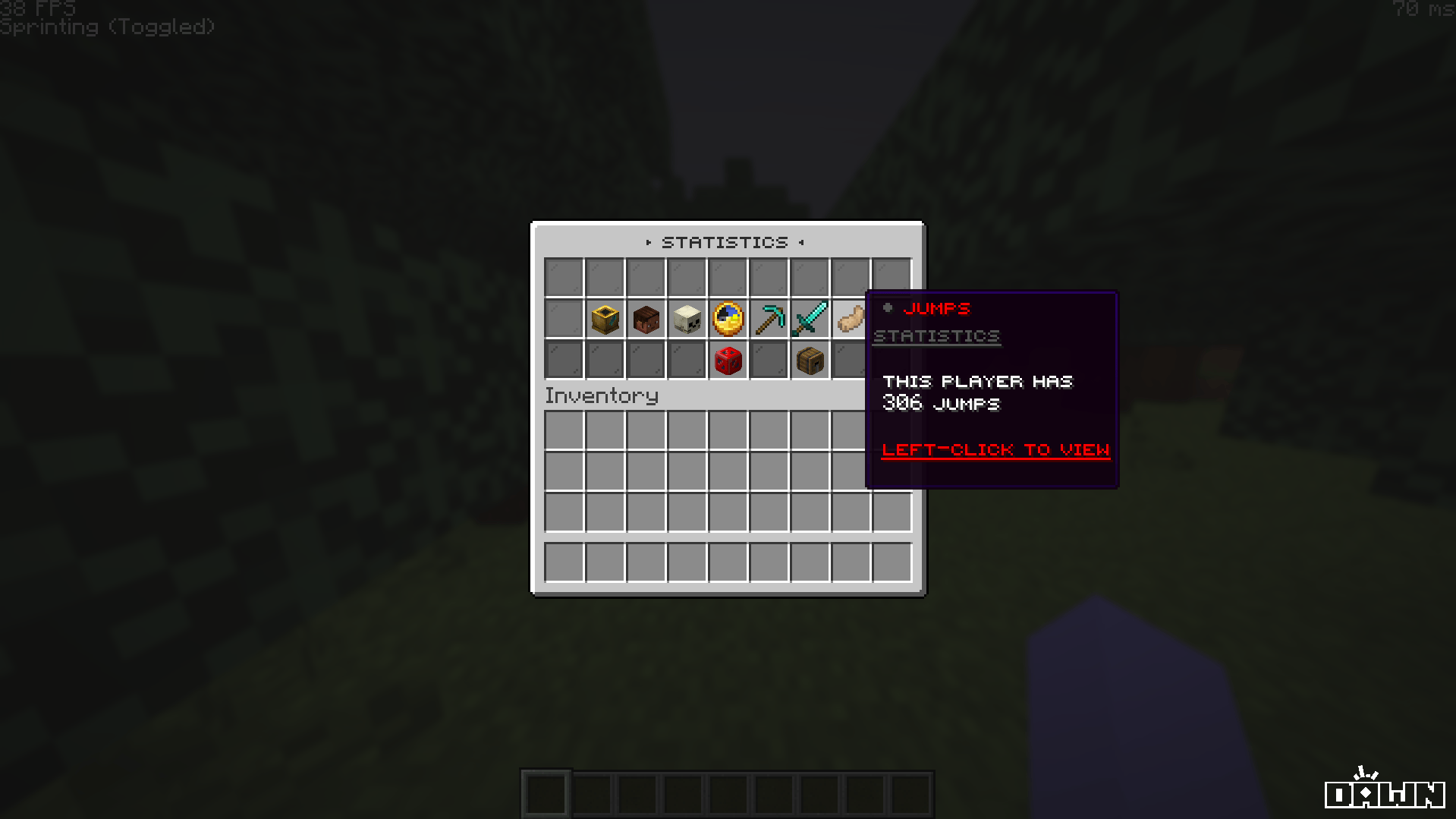 Displayed using a **Custom Player Head** texture.
Displayed using a **Custom Player Head** texture.
Displayed using a **Clock** item.
Displayed using a **Diamond Pickaxe** item.
Displayed using a **Diamond Sword** item.
Displayed using a **Rabbit's Foot** item.
**Want to track something else?** You can easily replace these placeholders. For example, swap `%statistic_jump%` with `%statistic_fish_caught%` if you run a fishing-focused server. Just remember to update the `display_name`, `lore`, and `left_click_commands` in `stats.yml` to match!
***
## Commands & Permissions
By default, the main GUI is bound to multiple easy-to-remember aliases.
```yaml Open Your Stats theme={null}
# Aliases built into the configuration:
/stats
/stat
/statistic
/statistics
/profile
```
```yaml Open Others Stats theme={null}
# To view another player's stats, you must trigger the stats_others menu.
# This requires a command alias plugin (like Commands.yml or MyCommand)
# to route `/stats ` to `/dm open stats_others `.
```
Displayed using a **Custom Player Head** texture.
Displayed using a **Custom Player Head** texture.
Displayed using a **Custom Player Head** texture.
Displayed using a **Clock** item.
Displayed using a **Diamond Pickaxe** item.
Displayed using a **Diamond Sword** item.
Displayed using a **Rabbit's Foot** item.
**Want to track something else?** You can easily replace these placeholders. For example, swap `%statistic_jump%` with `%statistic_fish_caught%` if you run a fishing-focused server. Just remember to update the `display_name`, `lore`, and `left_click_commands` in `stats.yml` to match!
***
## Commands & Permissions
By default, the main GUI is bound to multiple easy-to-remember aliases.
```yaml Open Your Stats theme={null}
# Aliases built into the configuration:
/stats
/stat
/statistic
/statistics
/profile
```
```yaml Open Others Stats theme={null}
# To view another player's stats, you must trigger the stats_others menu.
# This requires a command alias plugin (like Commands.yml or MyCommand)
# to route `/stats ` to `/dm open stats_others `.
```
The menu requires the permission node `deluxemenus.menu.stats` to open. By default, most permission managers grant access to DeluxeMenus to default players, but if your players get a "no permission" error, ensure they have this node!
***
## Installation Guide
Before installing, ensure you have **DeluxeMenus** and **PlaceholderAPI** installed on your server.
This menu relies heavily on PlaceholderAPI. You **must** install the required expansions for the statistics to display correctly.
Run the following commands in your server console (or in-game as an OP):
```bash theme={null}
/papi ecloud download Statistic
/papi ecloud download Player
/papi ecloud download OtherPlayer
/papi reload
```
Unzip the downloaded Sentry Studios package, and drag and drop the `stats.yml` and `stats_others.yml` files into your server's `plugins/DeluxeMenus/gui_menus/other_menus/` folder.
Open your DeluxeMenus `config.yml` file and register both menus under the `gui_menus:` section:
```yaml config.yml theme={null}
gui_menus:
stats:
file: other_menus/stats.yml
stats_others:
file: other_menus/stats_others.yml
```
Finally, reload DeluxeMenus to apply the new configurations:
```bash theme={null}
/dm reload
```
***
## Troubleshooting
This means PlaceholderAPI doesn't have the required expansion installed to parse the variable (e.g., `%statistic_player_kills%`). Make sure you ran `/papi ecloud download Statistic` and `/papi reload`.
Ensure you registered the file correctly in your `config.yml` and that there are no YAML spacing errors. After registering, you must run `/dm reload` for it to take effect.
Give your default player group the `deluxemenus.menu.stats` and `deluxemenus.menu.stats_others` permissions.