> ## Documentation Index
> Fetch the complete documentation index at: https://docs.sentrystudios.org/llms.txt
> Use this file to discover all available pages before exploring further.
# Commands & Permissions
> A complete list of player and administrator commands.
SentrySettings is designed to be plug-and-play. Players do not need any special permissions to open their own settings menu.
## Command Reference
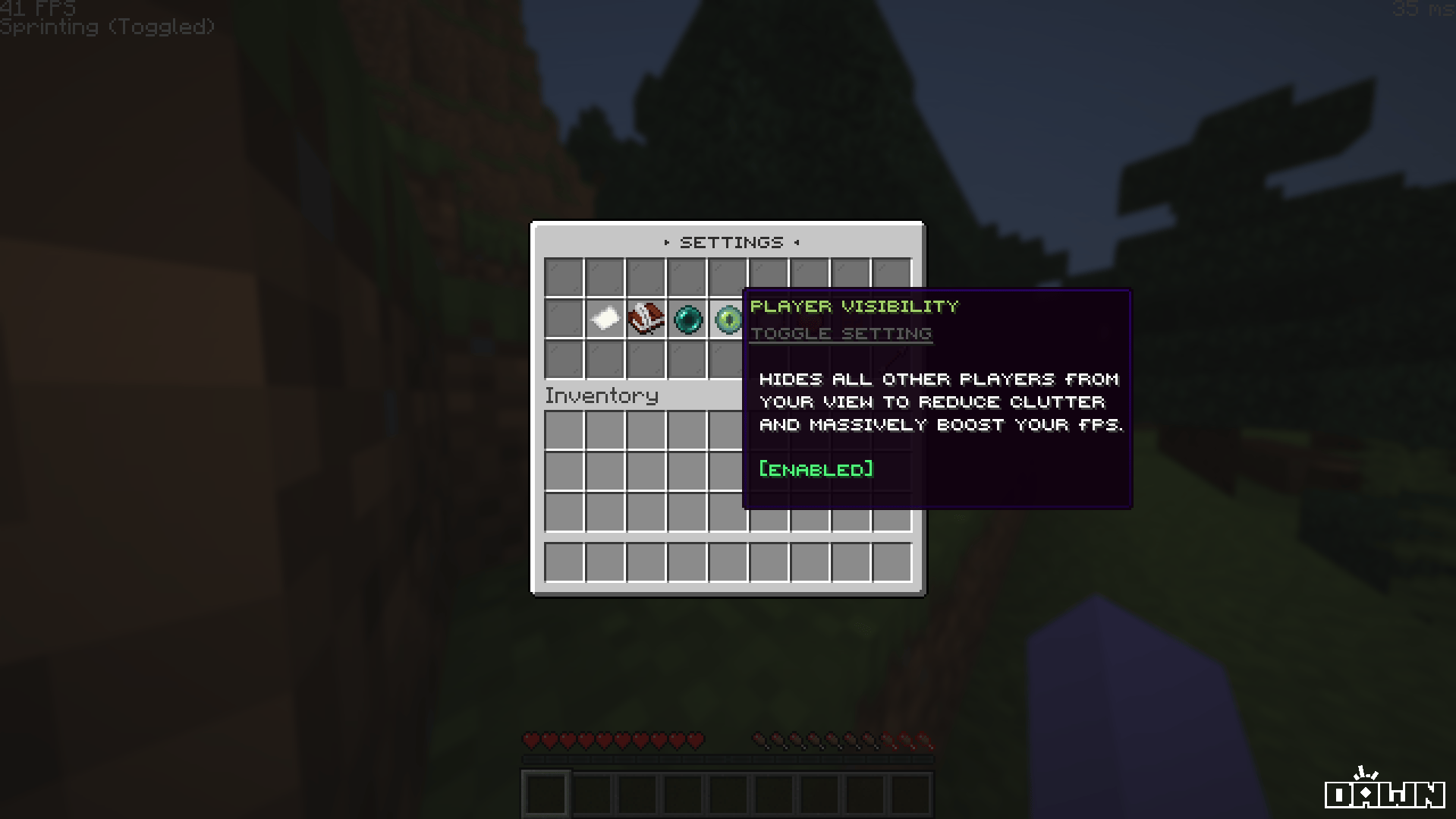
### `/settings`
**Description:** Opens the main interactive GUI where the player can configure their personal toggles, chat options, and network optimizers.
**Permission:** None (Available to all players by default)
 ### `/sentrysettings reload`
**Description:** Reloads the `config.yml`, `gui.yml`, and reconnects to the database. Does not require a server restart.
### `/sentrysettings reload`
**Description:** Reloads the `config.yml`, `gui.yml`, and reconnects to the database. Does not require a server restart.
**Permission:** `settings.admin`